
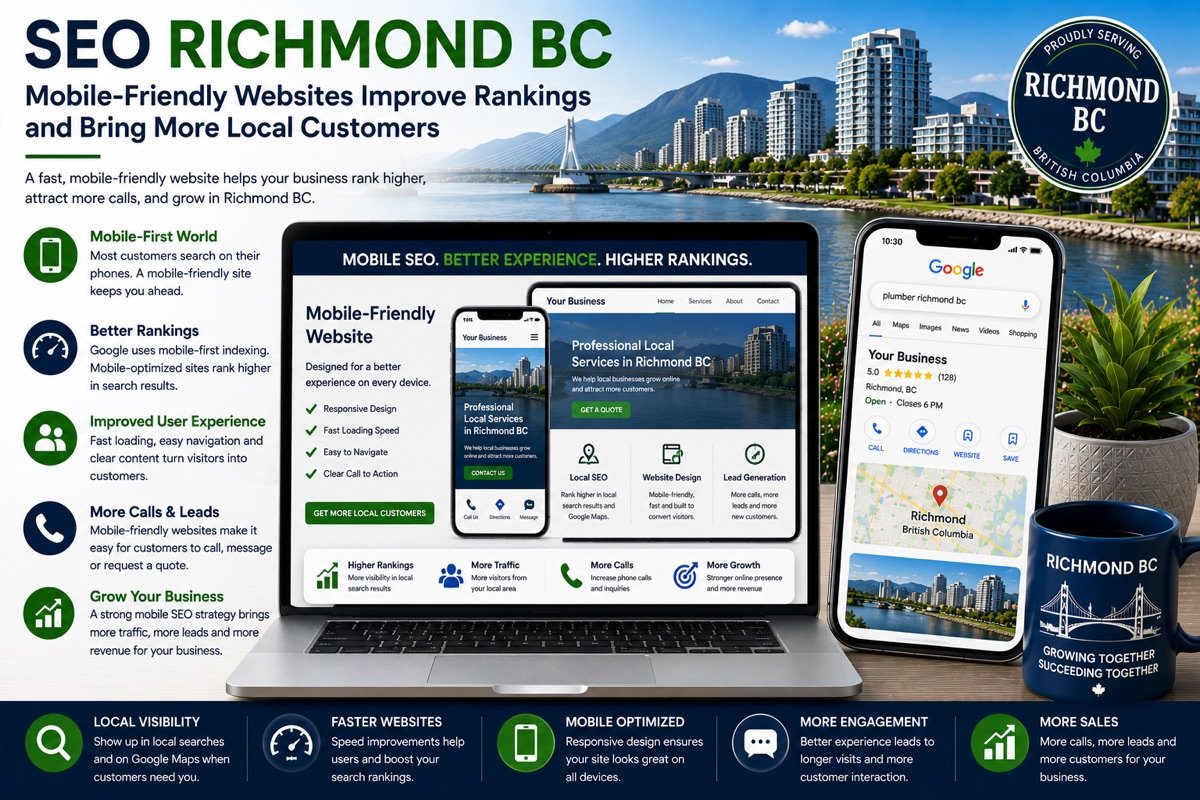
Picture four people in Richmond on the same afternoon. One has just landed at YVR and is waiting for a bag. One is on the Canada Line heading south toward City Centre. One is strolling near the harbour in Steveston. One is at home in Broadmoor, looking at a dripping pipe under the kitchen sink. None of them is at a desk, and each is about to pick a business from a few centimetres of glass.
So the phone version of your website counts for more than the one on your office monitor. Google judges pages mainly by what it finds on their mobile version, and customers judge them in seconds. Below we follow those four searches one at a time, then turn what they reveal into a short test you can run on your own site today.
The traveller on Sea Island
Someone stepping off a flight types “hotels near yvr with shuttle” with one thumb while the other hand steadies a suitcase. They want to know whether there is a shuttle, how often it runs and how to reach the front desk. A hotel page that tucks the shuttle times inside a downloadable PDF, or behind a menu that needs pinching and zooming, hands that guest to the next listing. On a small screen the answer belongs near the top, as ordinary text, with the phone number right beside it.
The rider on the Canada Line
The ride from downtown Vancouver takes about 25 minutes, long enough to settle dinner plans. Searches like “dim sum richmond bc open now” or “bubble tea near richmond centre” are decided before the train stops. The places that win tend to show their hours without a hunt, publish the menu as text instead of photographed pages, and make the address on No. 3 Road or Alexandra Road one tap away from directions.
Language plays a part too. Cantonese and Mandarin are each the mother tongue of more than a fifth of Richmond residents. If your team writes pages in Chinese, or has them professionally translated, put a visible language switch at the top of the phone layout and give each version its own address with correct hreflang tags, so Google can serve every reader the matching version.
The visitor in Steveston
In spot prawn season, usually mid-May to June, and through the warmer months, people wander past Fisherman’s Wharf and search “steveston restaurants fish and chips” with the water in view. Many will be on mobile data rather than café Wi-Fi. A home page that opens with a full-width video and a dozen uncompressed patio photos can take long enough to load that they walk to the next door instead. Lighter images, fewer scripts and sensible caching decide whether the page finishes loading while they are still outside.
The homeowner in Broadmoor
A leak does not wait for a laptop. The search is “plumber richmond bc”, and the thumb goes straight for the first number it can tap. Three details matter on that screen. The phone number has to dial when touched, not sit inside an image. The form, if anyone uses it, should ask for a name, a number and a sentence, nothing more. And the page title and first heading should say “Richmond, BC” plainly, because on a narrow screen that one line is how a stranger knows you are not a firm in Richmond Hill or Virginia, the places Google so often mixes in.
What Google sees on that same phone
Under mobile-first indexing, Google crawls and ranks your site largely as a phone would see it. Text, headings, links and structured data that appear only on the desktop layout may simply not count. A few practical consequences follow:
- Keep the same content on both layouts; collapse long sections if you must, but do not remove them on phones.
- Make buttons and links large enough to tap without zooming, with space between them.
- Stop the layout from jumping as images and banners load, which frustrates visitors and shows up in Core Web Vitals.
A responsive website design built for Richmond phone users handles most of this from the start. On an older site, targeted page speed optimization for mobile visitors is often the faster fix.
A ten-minute test on your own phone
- Switch off Wi-Fi, search for your main service plus “richmond bc”, and open your own result. Count the seconds until you can read the first line.
- Without scrolling, check that you can see what you do, that you are in Richmond, BC, and a way to get in touch.
- Tap the phone number and confirm it starts a call.
- Fill in the contact form with one thumb and note any field you could drop.
- Compare the hours and address on the page with your Google Business Profile.
- Rotate the phone and back again; look for text that overflows or overlaps.
- If you publish pages in more than one language, switch between them from the top of the screen.
Most snags are small, and the first three on the list usually matter most.
Where this matters most
Businesses that depend on people already on the move feel slow mobile pages first: our notes on SEO for Richmond restaurants and food businesses cover menus, hours and late-night searches in more depth. Design and speed work are quoted once after an audit, while routine upkeep sits inside the monthly plans of $300, $500 or $700 CAD, as listed on our pricing page for Richmond SEO plans.
Want a second pair of eyes on those results? Request a free mobile SEO audit for your Richmond site and we will walk you through every snag we find.